From the studio
Spatial Reel
Your memories, in the round.
Spatial Reel brings two tactile photo experiences to Apple Vision Pro.
Pick up the Viewfinder and bring your memories close. Or place a vintage-style Slide Projector in your room and turn your photos into a show worth sitting down for.
One photo library. Two very different ways to remember.
 Designed for Apple Vision Pro

One library. Two ways to remember.
Create personal reels of up to seven photos and use them anywhere in Spatial Reel.
Open the same reel in the Viewfinder for a focused, hands-on experience. Or load it into the Slide Projector and share it across the room.
Create a reel once.
Choose how you want to remember it.
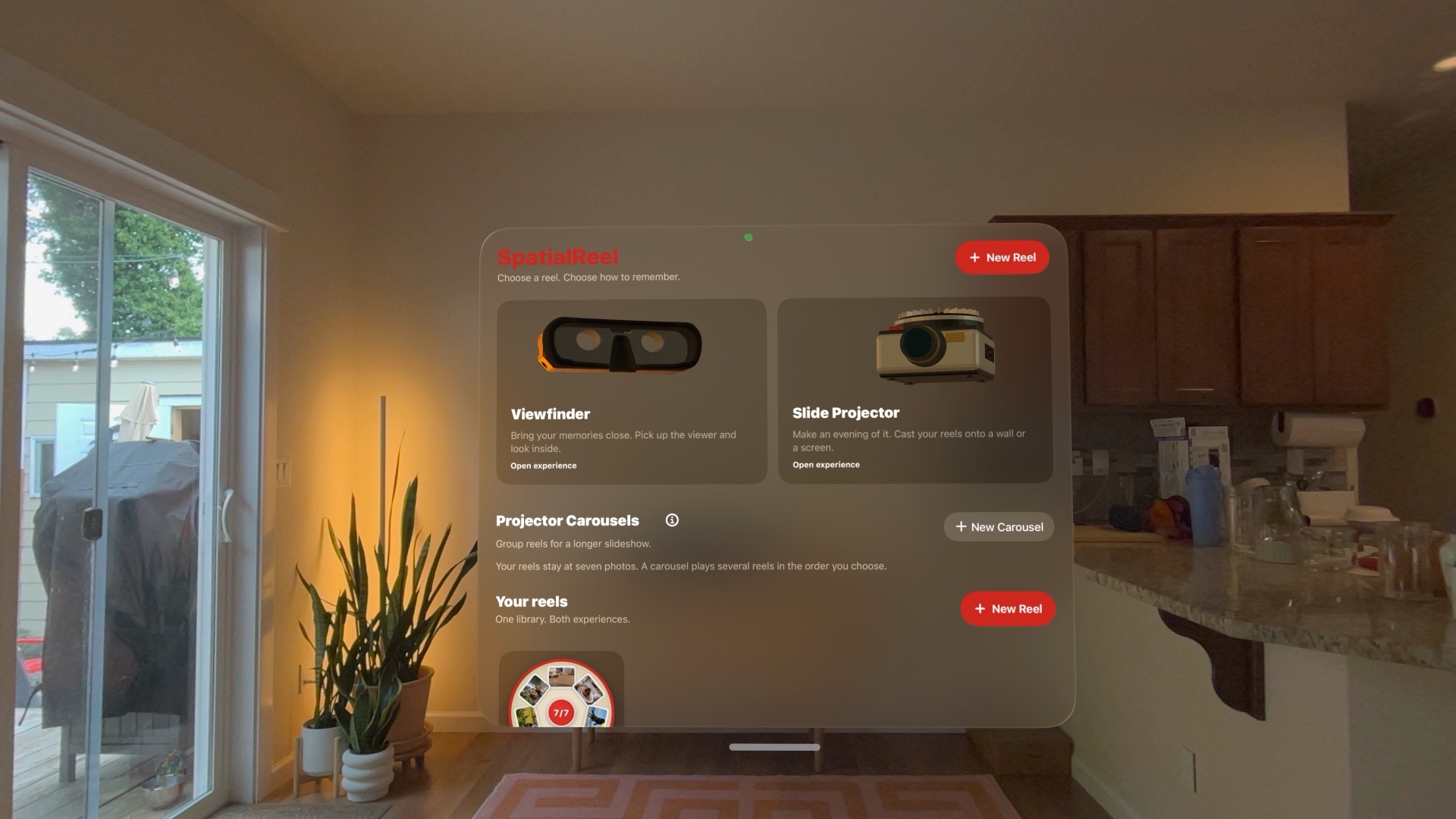
Viewfinder
Pick it up. Bring it close.
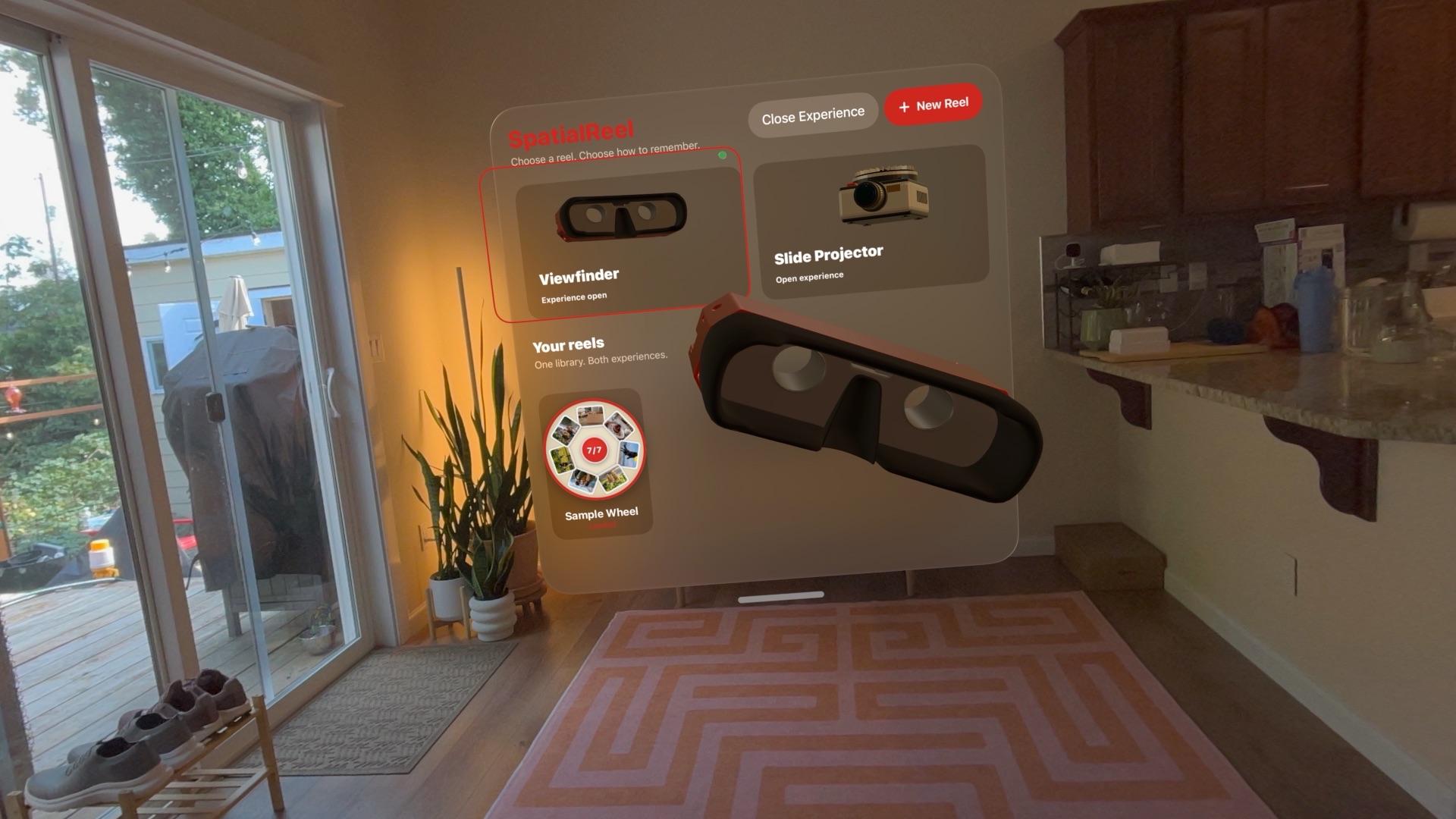
The Viewfinder isn’t a window floating in front of you. It’s a three-dimensional object that lives in your space.
Reach out, pick it up, and bring it toward your face. As it gets closer, the room gently fades away and your photo comes into focus. Move it away, and your surroundings return.
A familiar physical interaction, rebuilt for spatial computing.
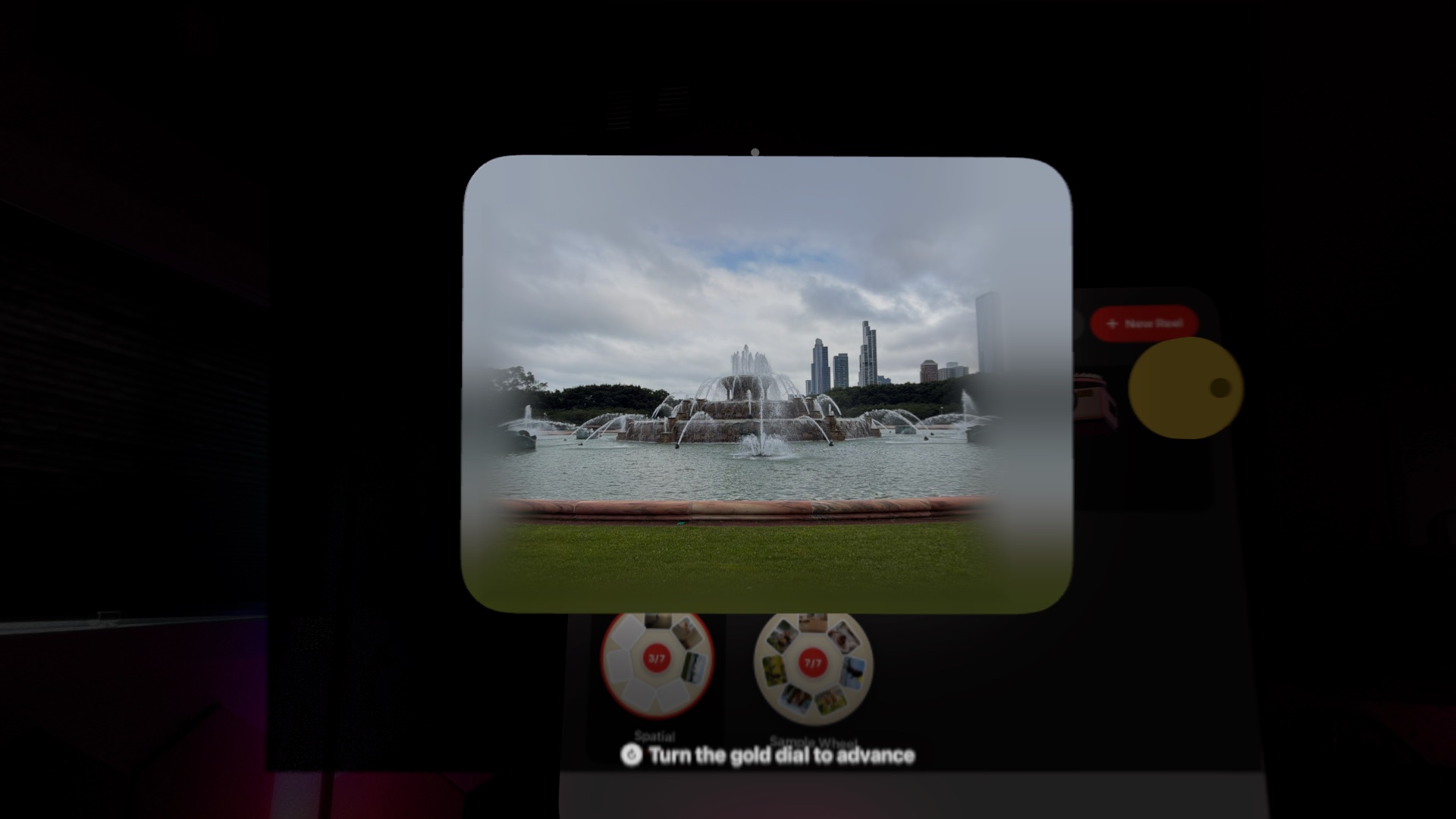
Spatial photos stay spatial.
Photos captured with spatial depth are presented stereoscopically inside the Viewfinder, preserving the dimensional information that makes them feel different in Apple Vision Pro.
Regular photos stay regular. Spatial Reel doesn’t invent artificial depth where there isn’t any. It presents each memory in the form it was captured.
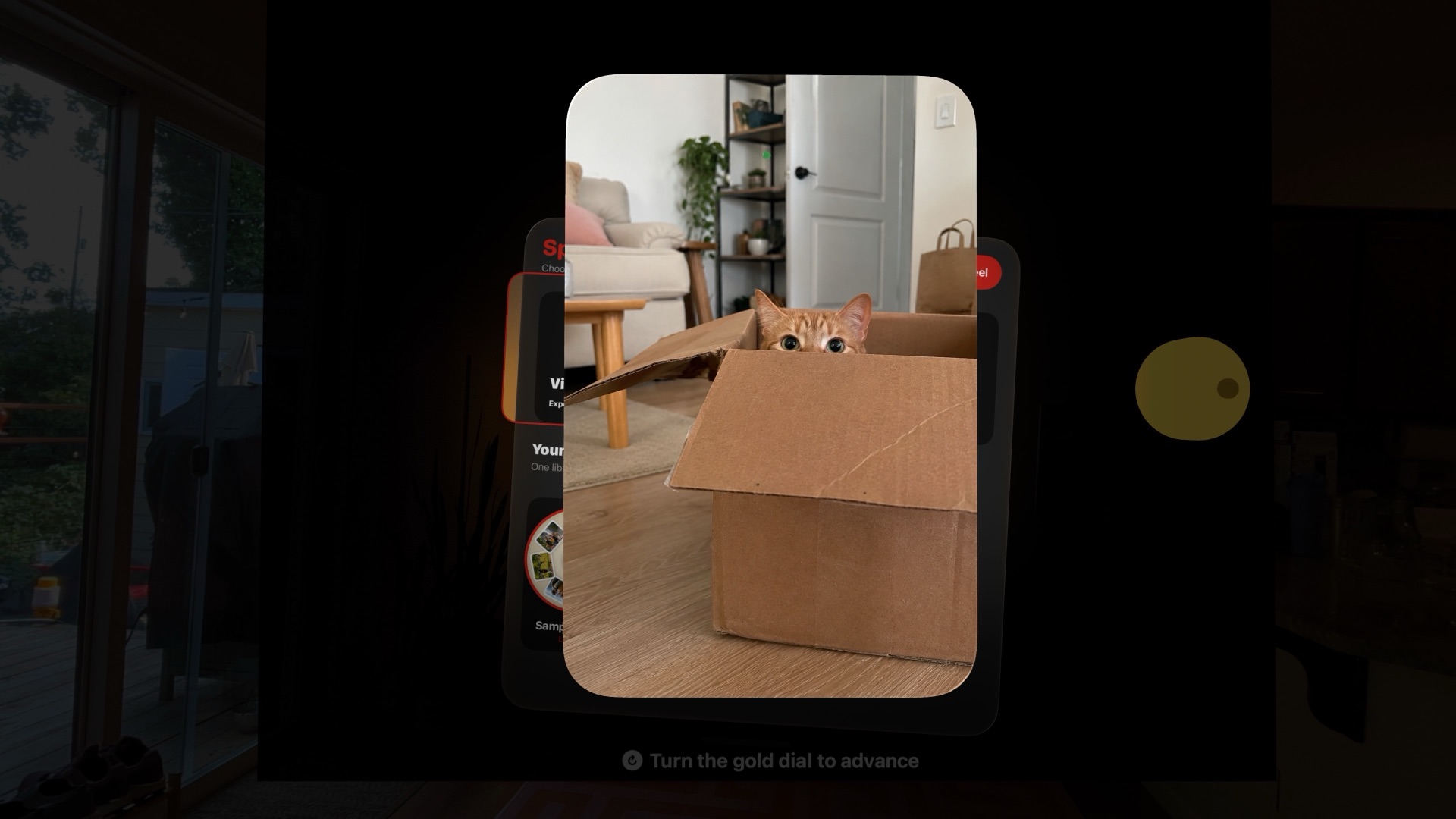
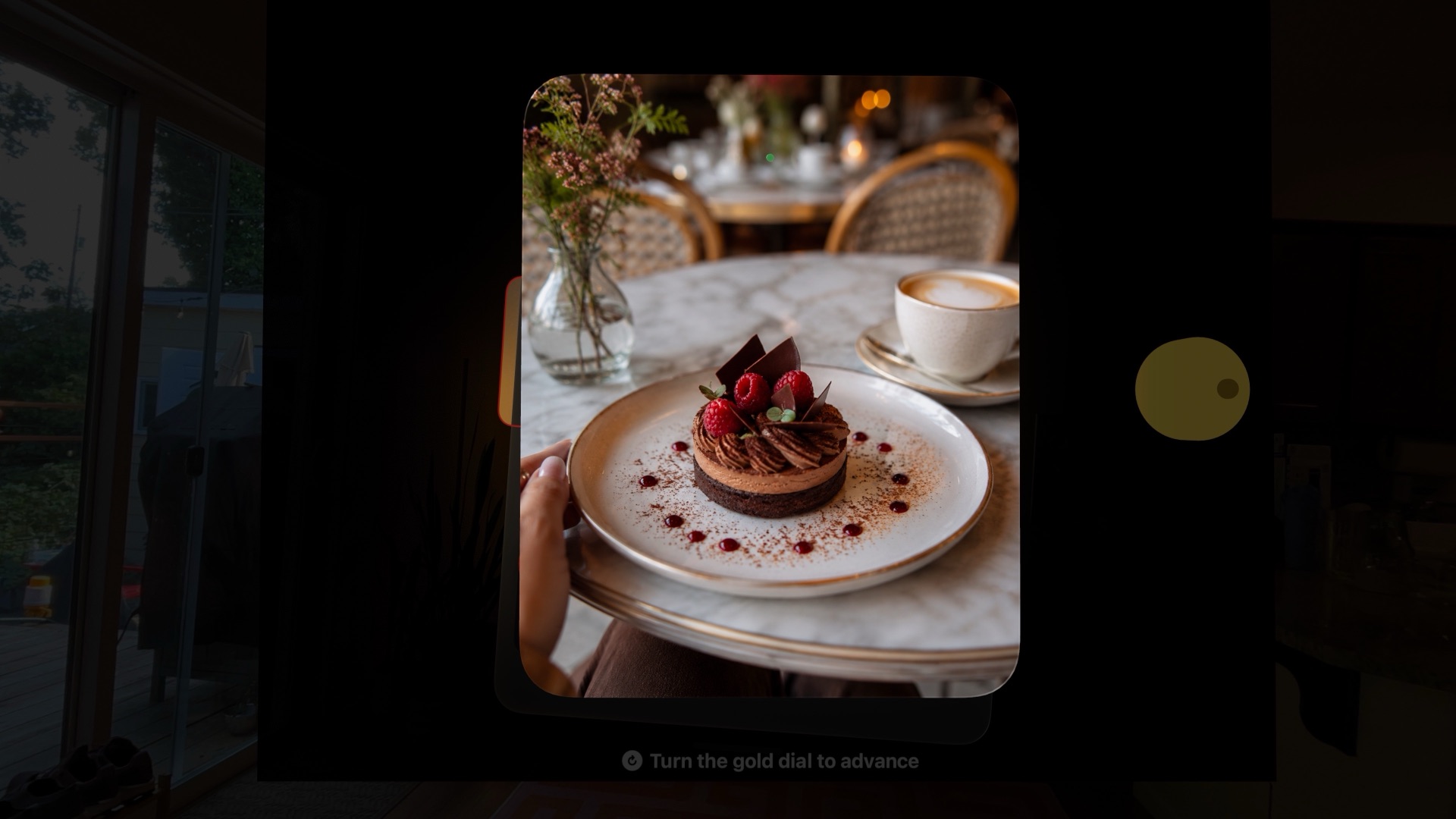
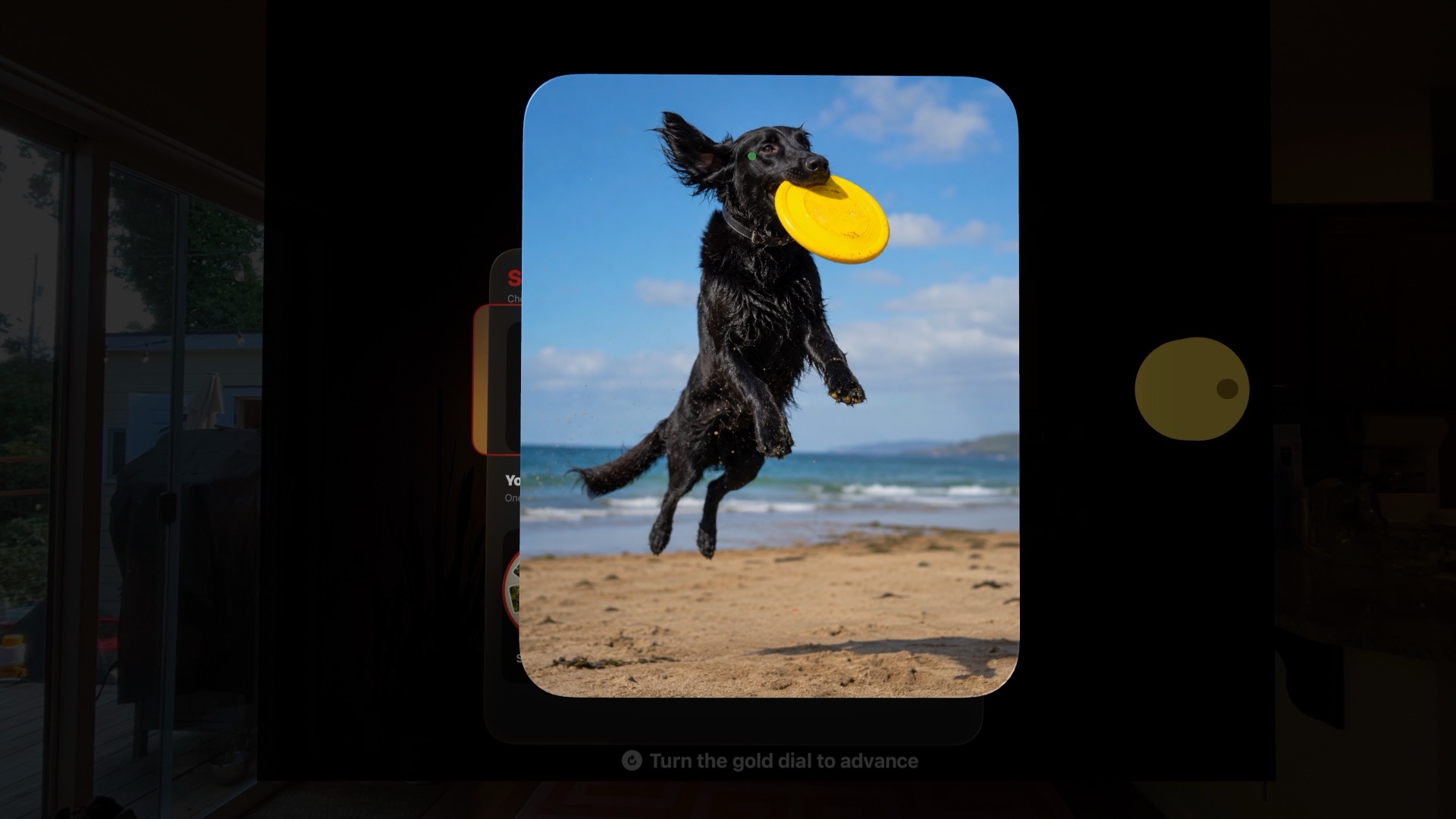
Photo 1 of 3
Turn the dial. See what comes next.
The gold dial does what you expect it to do. Turn it and the next image arrives with the movement and click of a physical reel viewer.
Seven photos. One at a time. No swiping through a grid. No endless camera roll.
Just one memory, followed by the next.
Spatial Reel video
The Viewfinder in motion.
Slide Projector
Make an evening of it.
Some photos are better when they’re not held close.
With the Slide Projector on visionOS 27, place a three-dimensional projector in your room and cast your reels onto the space around you. Aim it toward a wall for a room-scale presentation. Or bring out a projection screen and make your own place to watch.
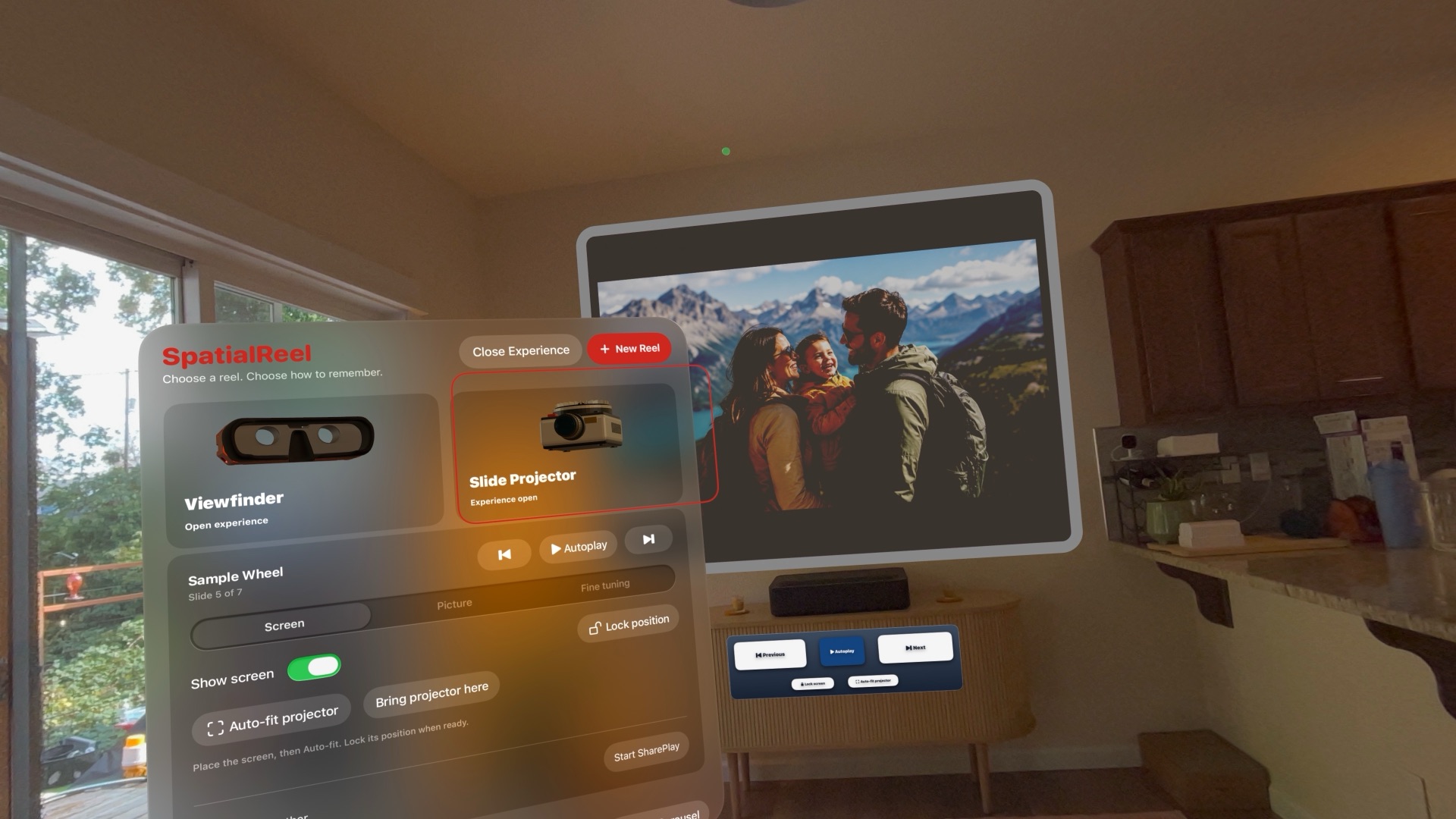
The slide show is back.
Only now the projector doesn’t need to be real.
The Slide Projector requires visionOS 27 or later. The Viewfinder runs on visionOS 26 or later.
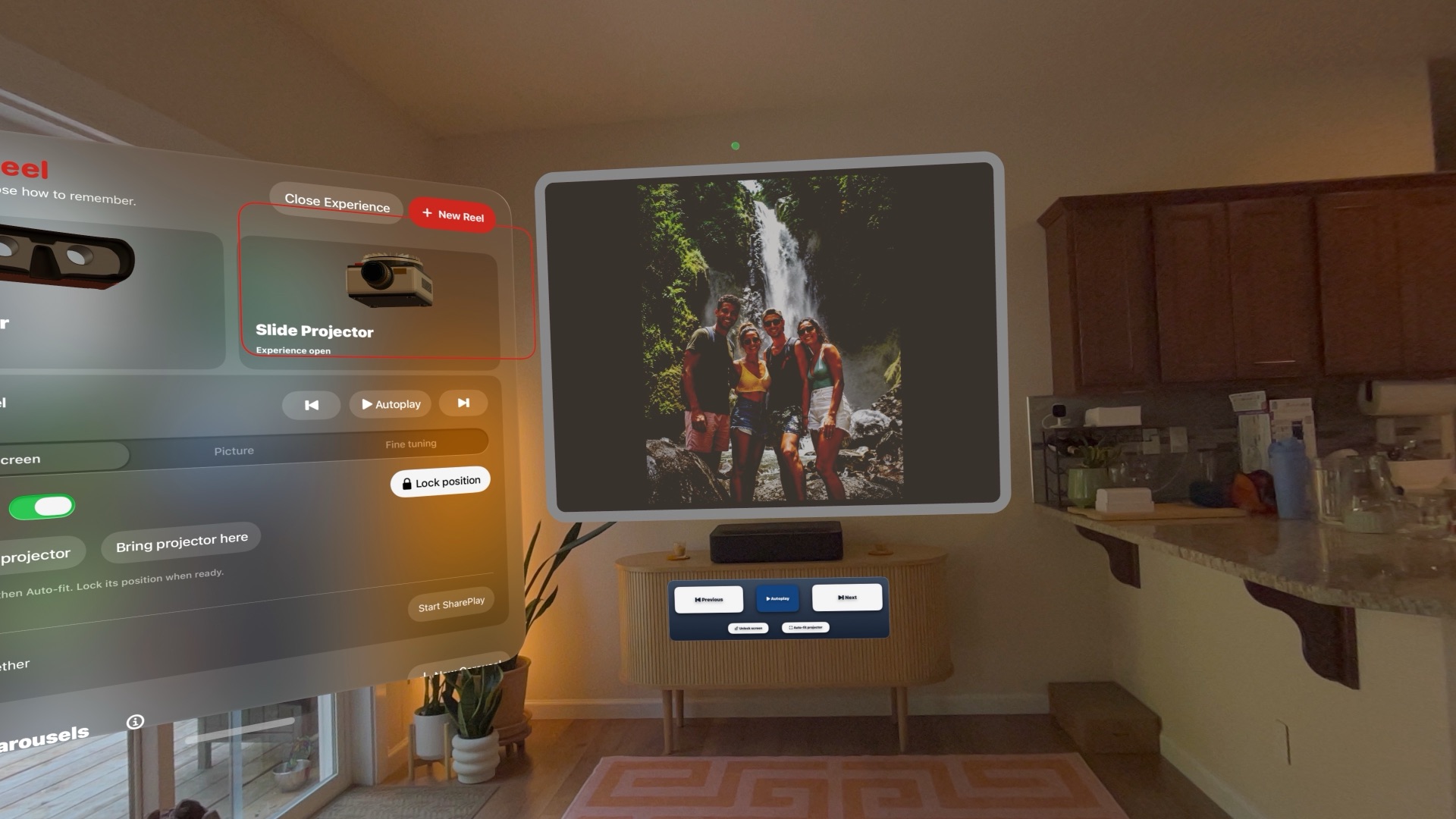
A screen wherever you need one.
No empty wall? Bring your own. Spatial Reel includes a movable projection screen that can be positioned anywhere in your space.
Place the screen. Choose Auto-fit, and Spatial Reel positions the projector to match it. When everything feels right, lock the screen in place. Move the projector yourself when you want more control.
Spatial Reel keeps the setup physical without making it complicated.
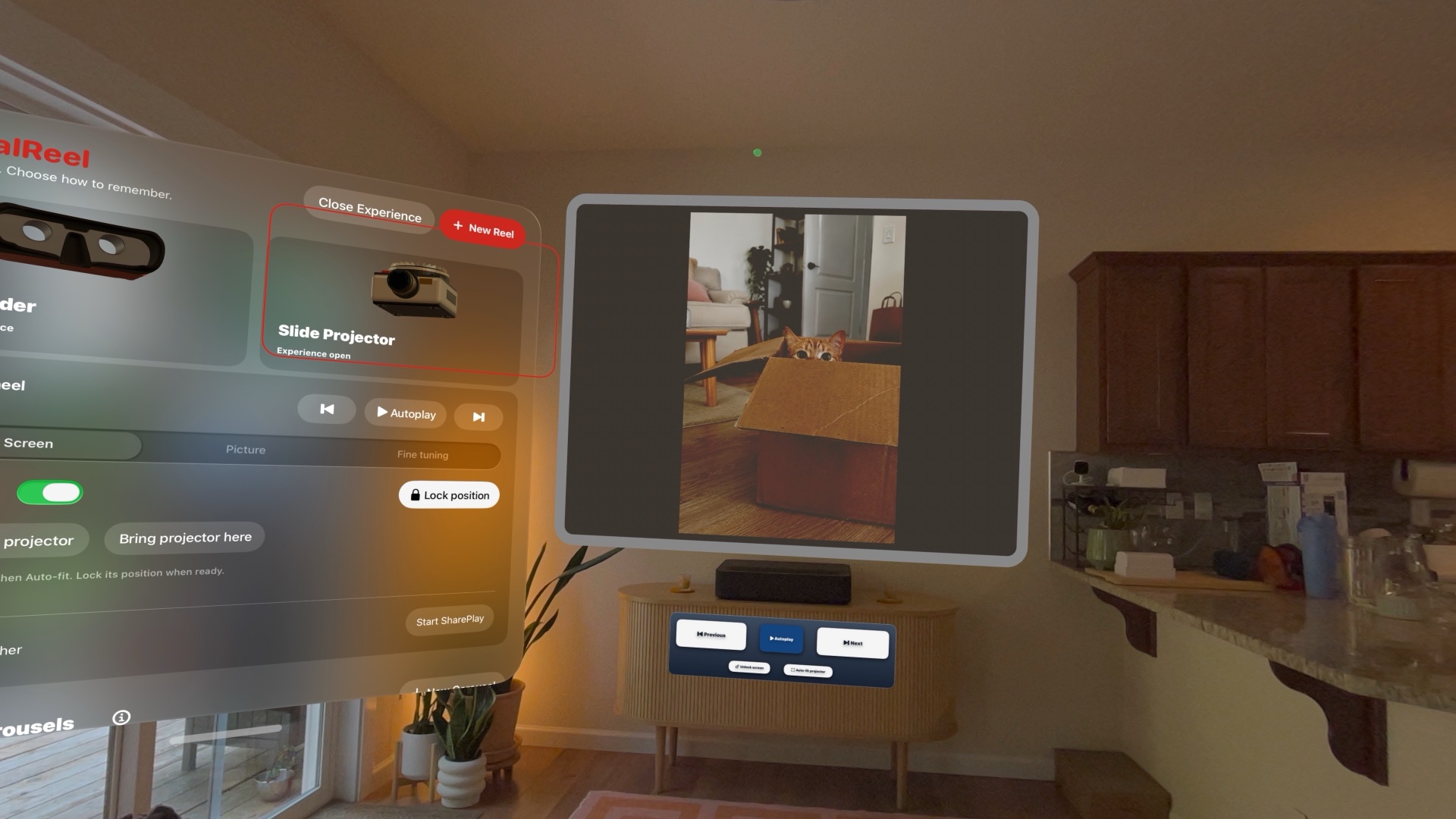
Make the picture fit the room.
A real projector rarely works perfectly the instant you put it down. Neither does Spatial Reel pretend that one setting fits every space.
Adjust brightness, contrast, image size, and projector alignment. Use horizontal and vertical keystone correction when projecting at an angle. Control the lamp and shadows. Reposition the projector whenever you want. Or let Auto-fit handle the geometry for you.
The controls are there when you need them.
And out of the picture when you don’t.
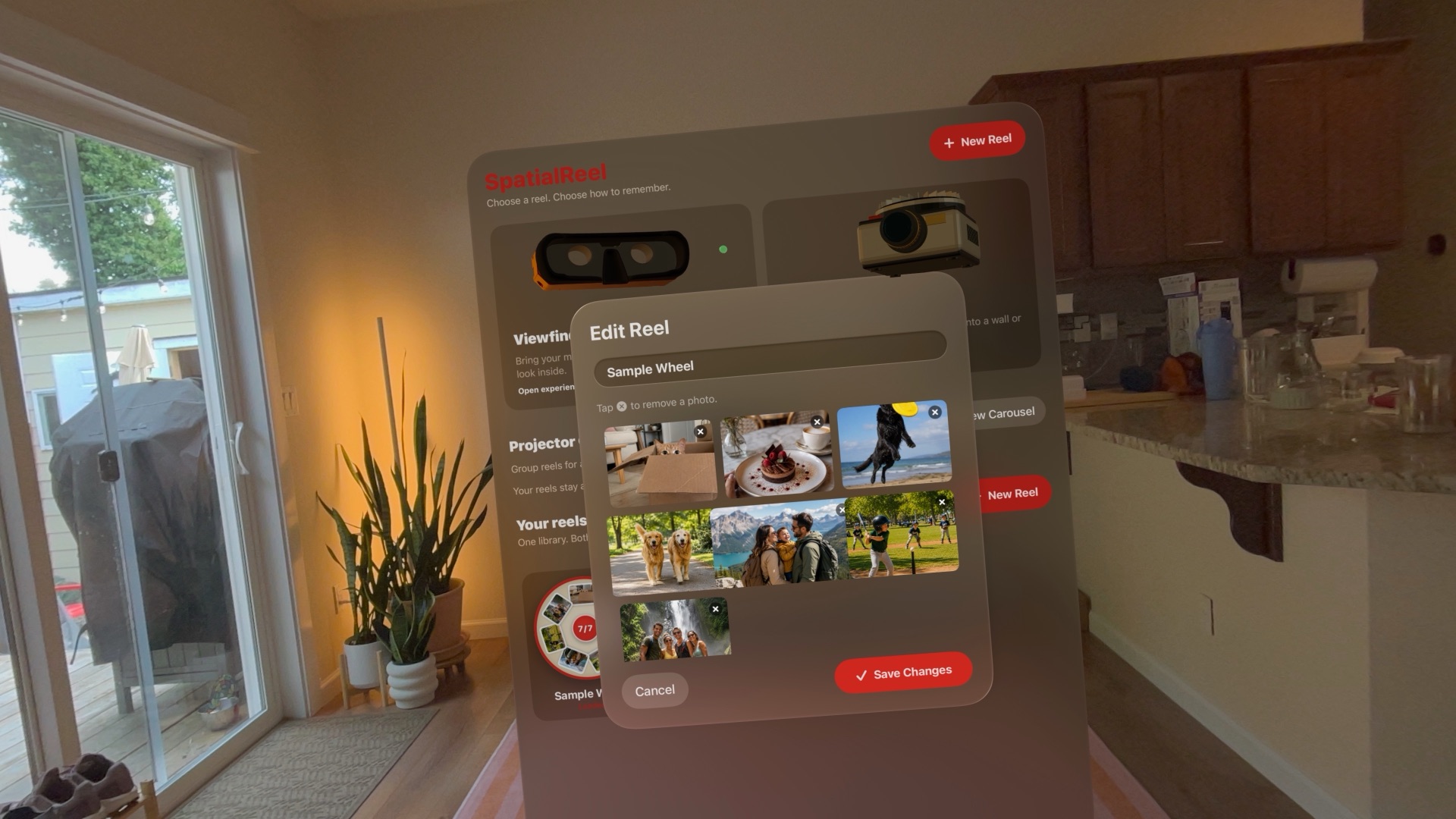
Seven memories at a time.
A Spatial Reel holds up to seven photos. That’s intentional.
Small collections are easier to make personal: an afternoon, a birthday, a trip, a person, a place.
Give each reel a name. Add or remove photos whenever you like. Then use it in either experience.
Projector Carousels
Or keep the show going.
- Reels in a carousel
- 20
- Photos in one show
- 140
Seven photos can be enough for a Viewfinder. A slide show sometimes deserves more.
Projector Carousels let you combine multiple reels into one continuous presentation. Choose the reels you want, arrange their order, and Spatial Reel plays through them without making you stop and change reels yourself.
A carousel can contain up to 20 reels, as many as 140 photos. Your original reels stay untouched and remain available individually in the Viewfinder.
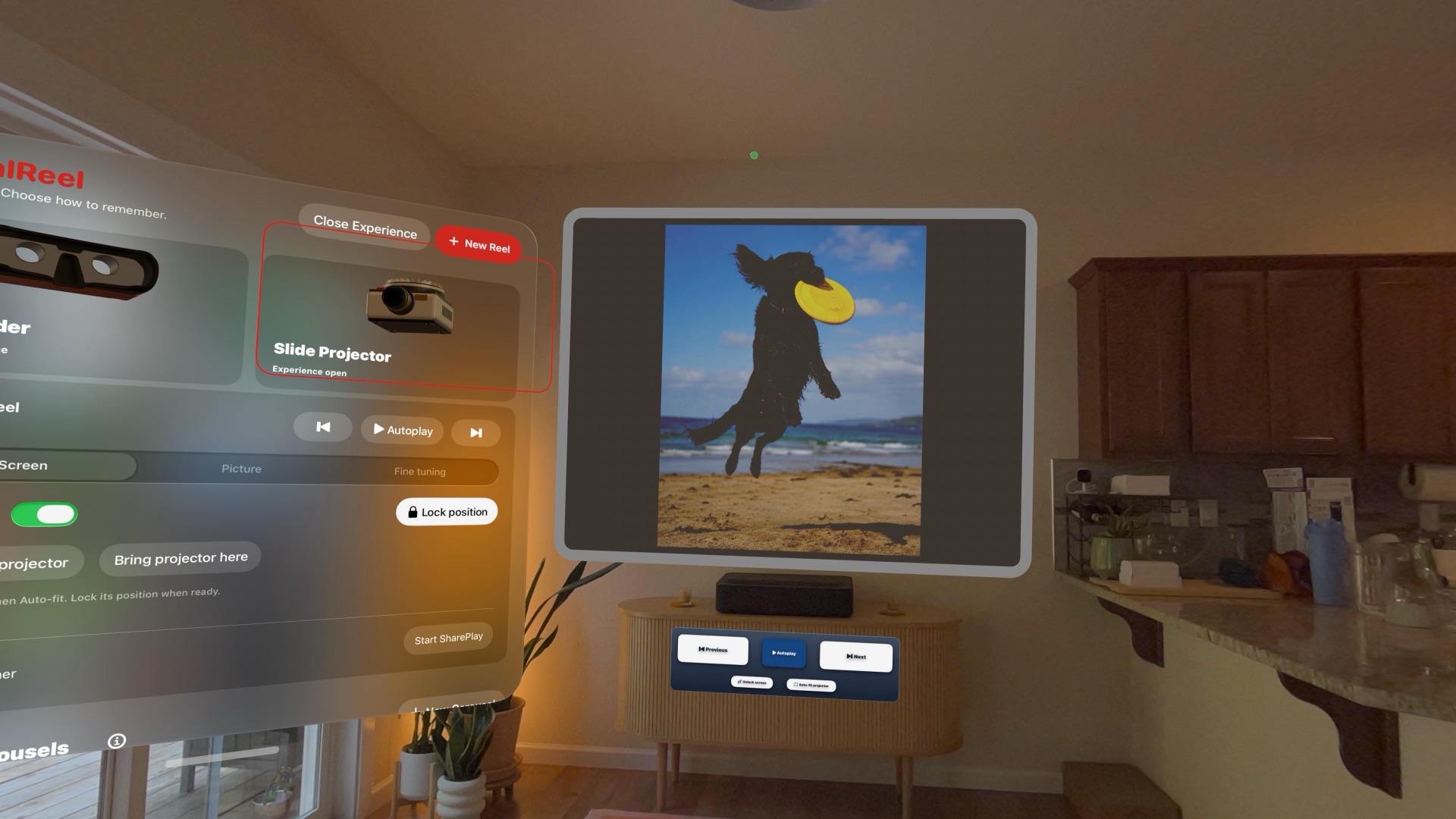
Your pace. Or no pace at all.
Advance a slide whenever you’re ready. Or turn on Autoplay and let Spatial Reel move to the next image every four seconds.
Previous. Next. Autoplay.
Nothing else needs to get between you and the photos.
SharePlay
Together on the photos. Personal in the room.
Start SharePlay and experience a projector slideshow together. The host chooses the reel or carousel and controls the presentation. Everyone follows the same photos and the same slide changes.
But everyone’s room is different.
The host controls
- Which reel or carousel is shown
- Slide changes
- Autoplay
Each guest adjusts their own
- Screen position and alignment
- Brightness and contrast
- Image size
- Auto-fit
Together where it matters.
Personal where it should be.
SharePlay works with the Slide Projector.
Your photo library isn’t ours.
- Stored locally by default.
- Shared only when you choose SharePlay.
- Never collected by Revivr.
Spatial Reel doesn’t require an account and doesn’t collect or track your photos. Your reels are created and stored locally on your device.
When you choose to start a SharePlay session, copies of the photos in the selected projector presentation are shared with the people you’ve invited so they can take part in the slideshow.
No advertising. No analytics profile. No photo library uploaded to Revivr.
Your memories remain yours.
Old rituals. New space.
There was something different about looking through a reel viewer. And something different about sitting together while a projector moved from one photograph to the next.
Spatial Reel doesn’t try to turn those things into another photo gallery. It brings their physicality with them.
A viewer you pick up.
A dial you turn.
A projector you place.
A screen you gather around.
Your photos already contain the memories. Spatial Reel changes how you return to them.
Spatial Reel For Apple Vision Pro.